Beschreibung
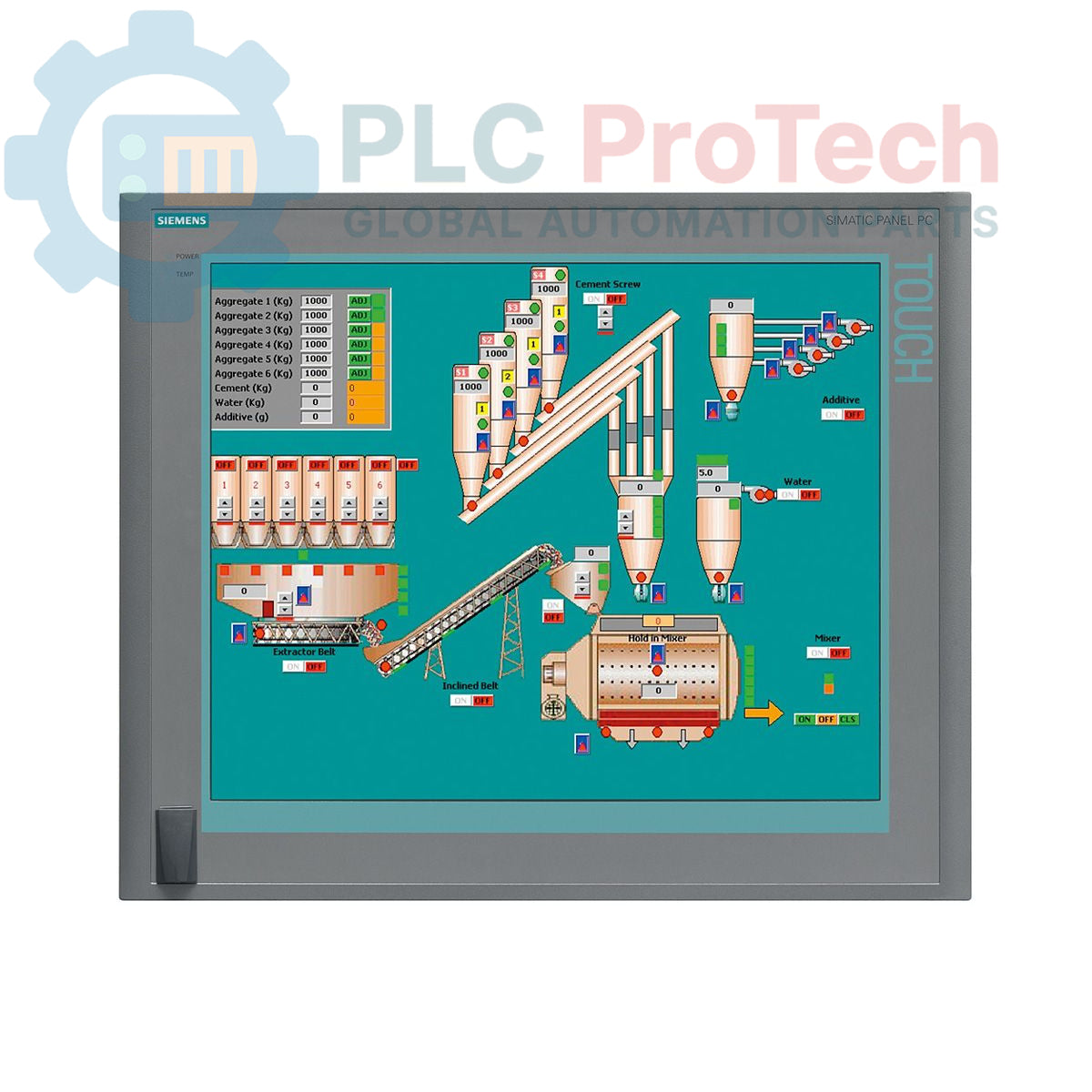
Der Siemens 6AV7875-0AE51-1AC0 ist ein SIMATIC Panel PC 677B, der für anspruchsvolle industrielle Mensch-Maschine-Schnittstellen (HMI) und Steuerungsanwendungen entwickelt wurde. Dieses Gerät verfügt über ein 19-Zoll-Touchscreen-Display mit einer Auflösung von 1280 x 1024 Pixeln und wird von einem Intel-Core-2-Duo-T7400-Prozessor mit 2,16 GHz sowie 4 GB DDR2-RAM betrieben. Es bietet umfangreiche Anschlussmöglichkeiten, darunter zwei Gigabit-Ethernet-Anschlüsse, eine PROFIBUS/MPI-Schnittstelle und mehrere USB-2.0-Anschlüsse. Für die Datenspeicherung sorgt eine 250-GB-SATA-Festplatte. Das System wird mit vorinstalliertem Windows XP Professional MUI geliefert. Dieser Panel PC wird über eine 24-V-Gleichstromversorgung betrieben und verfügt über zwei PCI-Steckplätze zur Hardwareerweiterung.
Funktionen
- 19-Zoll-Farb-Touchscreen mit einer Auflösung von 1280 x 1024 Pixeln
- Integrierter Intel-Core-2-Duo-T7400-Prozessor (2,16 GHz)
- 4 GB installierter DDR2-RAM
- 250-GB-SATA-Festplatte (HDD) mit 3,5 Zoll
- DVD±R/±RW-Laufwerk zur Datensicherung und Softwareinstallation
- Zwei 10/100/1000-Mbit/s-Ethernet-Anschlüsse für Netzwerkredundanz oder -trennung
- Integrierte PROFIBUS/MPI-Schnittstelle mit 2 MB gepuffertem SRAM
- Vier rückseitige USB-2.0-Anschlüsse und ein USB-Anschluss an der Vorderseite für einfachen Zugriff
- Ein serieller COM1-Anschluss für die Kommunikation mit älteren Geräten
- Zwei verfügbare PCI-Steckplätze für Erweiterungskarten
- Vorinstalliert mit Windows XP Professional und mehrsprachiger Benutzeroberfläche (MUI)
Anwendungen
- Bedienung und Überwachung auf Maschinenebene
- Prozessvisualisierungs- und SCADA-Systeme
- Datenerfassung und -protokollierung in Fertigungsumgebungen
- Bedienpanels für die Fabrikautomation
- Industrielle Computerplattformen, die Unterstützung für ältere Betriebssysteme erfordern
Technische Spezifikationen
| Spezifikation |
Wert |
| Marke |
Siemens |
| Produktserie |
SIMATIC Panel PC 677B |
| Artikelnummer |
6AV7875-0AE51-1AC0 |
| Produktlebenszyklusstatus |
Veraltet |
| Stromversorgung |
24 V Gleichstrom |
| Prozessor |
Intel Core 2 Duo T7400, 2,16 GHz |
| Prozessor-Cache |
4 MB SLC |
| Arbeitsspeicher (RAM) |
4 GB DDR2 |
| Speicher |
250-GB-SATA-Festplatte 3,5" |
| Optisches Laufwerk |
DVD±R/±RW |
| Displaytyp |
19-Zoll-Touchscreen |
| Displayauflösung |
1280 x 1024 Pixel |
| Ethernet-Anschlüsse |
2 x 10/100/1000 Mbit/s |
| USB-Anschlüsse |
4 x USB 2.0 (hinten), 1 x USB (vorn) |
| Serielle Schnittstelle |
1 x COM1 |
| Feldbusschnittstelle |
PROFIBUS/MPI (mit 2 MB gepuffertem SRAM) |
| Erweiterungssteckplätze |
2 x PCI |
| Betriebssystem |
Windows XP Professional MUI (DE, EN, FR, ES, IT, JA, ZH, KO) |
| Versandgewicht |
17,00 kg |
| Warencode |
85371098 |
| ECCN |
N |
| Ursprungsland |
Deutschland (Schätzung) |
| Hersteller |
Siemens |
| Verpackungsabmessungen (berechnet) |
67,0 x 83,0 x 11,5 cm |
Installationsrichtlinien
WICHTIGER WARNHINWEIS: Es können gefährliche Spannungen vorhanden sein. Die Installation darf nur von qualifiziertem Personal durchgeführt werden. Stellen Sie sicher, dass der Schaltschrank vor Beginn der Arbeiten spannungsfrei geschaltet und verriegelt bzw. gekennzeichnet (LOTO) ist. Die Nichtbeachtung kann zu schweren Verletzungen oder zum Tod führen.
-
1
Schalttafelausschnitt vorbereiten: Überprüfen Sie, ob die Abmessungen des Gehäuse- oder Schalttafelausschnitts den Herstellerangaben für den PC 677B entsprechen. Stellen Sie sicher, dass die Montagefläche sauber, eben und stabil ist.
-
2
Gerät montieren: Setzen Sie den Panel-PC von vorn in den Ausschnitt ein. Befestigen Sie ihn von hinten mit allen mitgelieferten Montageklammern. Ziehen Sie die Klammern gleichmäßig über Kreuz an, um eine gleichmäßige Abdichtung an der Schalttafeldichtung sicherzustellen.
-
3
Schutzleiter (PE) anschließen: Schließen Sie einen niederohmigen Schutzleiter an die dafür vorgesehene Erdungsklemme am PC-Gehäuse an. Dies ist sowohl für die Sicherheit als auch für die Störfestigkeit entscheidend.
-
4
Gleichstromversorgung anschließen: Schließen Sie die 24-V-Gleichstromversorgung an die Eingangsklemmen der Stromversorgung an. Überprüfen Sie vor dem Anschließen die korrekte Polarität (+/-). Verwenden Sie für Last und Entfernung geeignete Leiterquerschnitte.
-
5
Schnittstellen anschließen: Schließen Sie Ethernet-, PROFIBUS-, USB- und alle weiteren erforderlichen Kommunikations- oder Peripheriekabel an. Stellen Sie sicher, dass alle Stecker vollständig eingesteckt und gesichert sind. Achten Sie auf eine ausreichende Trennung zwischen Strom- und Signalleitungen.
-
6
Einschalten und Überprüfen: Entfernen Sie nach der Überprüfung aller Verbindungen die LOTO-Sicherungen und schalten Sie die Hauptversorgung des Schaltschranks wieder ein. Schalten Sie den Panel-PC ein und bestätigen Sie, dass das Betriebssystem ordnungsgemäß startet und alle angeschlossenen Peripheriegeräte erkannt werden.