Description
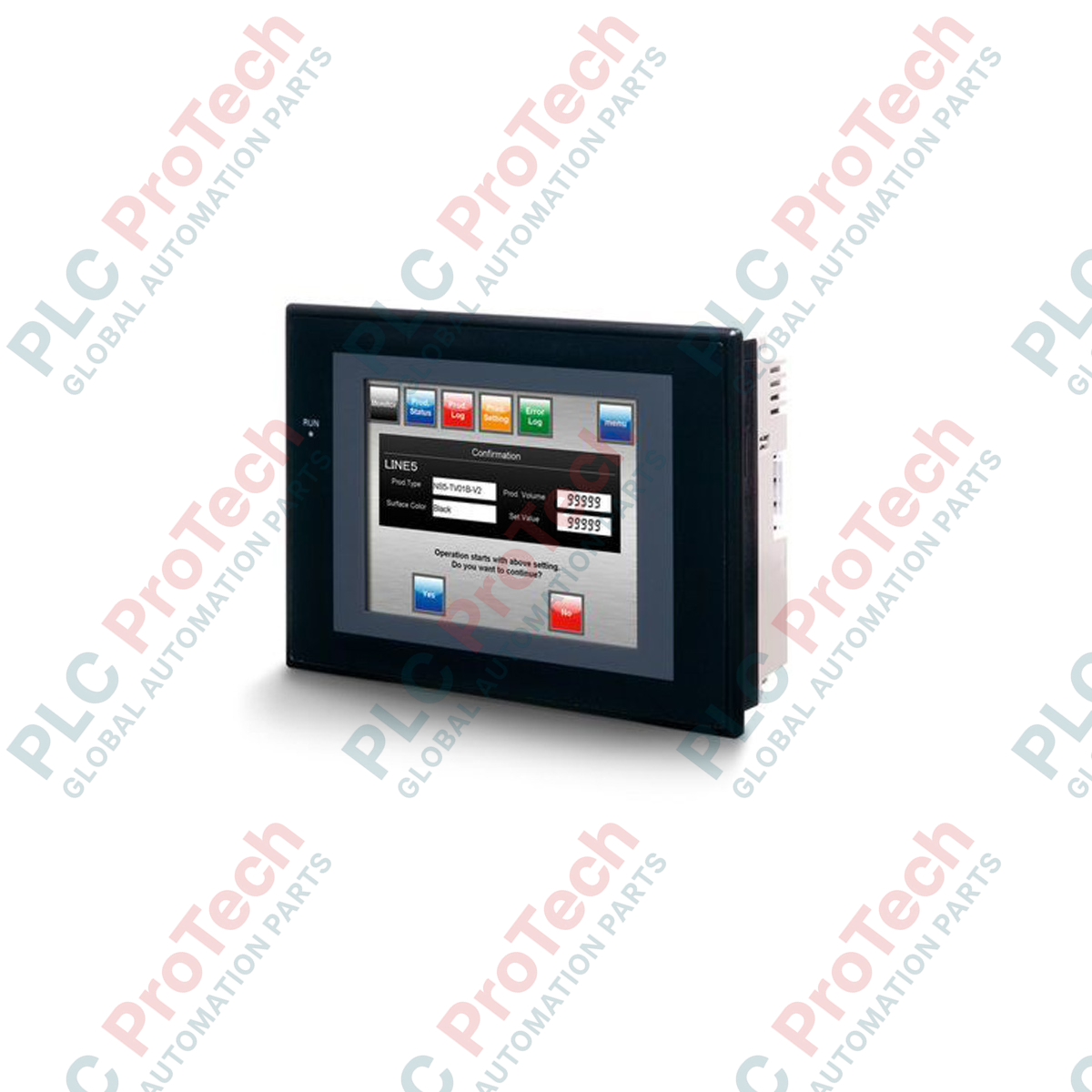
Designed for direct machine-level operator interface, the Omron NS5-MQ11B-V2 integrates a high-luminance monochrome display with robust field communications to manage automated processes within industrial environments. Featuring a 5.7-inch screen with an analog resistive touch panel, this programmable terminal provides a cost-effective, high-reliability interface for system configurations utilizing Omron SYSMAC controllers. With dual onboard RS-232C ports and integrated 10/100Base-T Ethernet, it allows seamless integration into industrial networks while maintaining a compact physical profile suitable for space-constrained control panels.
Key Features
-
Monochrome STN Display: 5.7-inch LCD with a resolution of 320 x 240 pixels (QVGA), offering clear visual feedback for plant floor status.
-
Expanded Communications: Equipped with an RJ-45 Ethernet port supporting FINS/TCP and FINS/UDP, alongside two standard RS-232C serial interfaces.
-
USB Slave Port: Dedicated Type B USB connector enabling high-speed transfer of system configurations and screen layouts from CX-Designer.
-
Substantial System Memory: 60 MB of internal storage accommodates complex user projects, graphic libraries, and alarm log histories.
-
Environmental Protection: Front panel constructed to IP65f standards, shielding internal electronics against splashing water, oil mist, and non-corrosive dust.
Applications
-
Material Handling & Conveyors: Local display of routing directories, motor diagnostics, and operational speeds.
-
Water and Wastewater Treatment: Cost-effective visual status display for isolated pumping stations and valve sequences.
-
Packaging Machinery: Local machine control interfaces requiring real-time alarm reporting and serial/Ethernet PLC connectivity.
-
HVAC Control Panels: Monitoring air quality parameters, setpoint adjustments, and fan speed diagnostics.
Technical Specifications
| Parameter |
Specification Value |
| Manufacturer |
Omron |
| Model Designation |
NS5-MQ11B-V2 |
| Display Type |
STN Monochrome LCD |
| Display Size |
5.7 inches (diagonal) |
| Resolution |
320 x 240 pixels (QVGA) |
| Touch Panel Type |
Analog resistive matrix |
| Input Voltage |
24 VDC |
| Operating Voltage Range |
20.4 to 27.6 VDC |
| Power Consumption |
15 Watts maximum |
| Ethernet Interface |
1x 10/100Base-T (RJ-45) |
| Serial Interfaces |
2x RS-232C (D-Sub 9-pin female) |
| USB Ports |
1x USB Type B (Slave, USB 1.1 equivalent) |
| Internal Screen Data Memory |
60 MB |
| Backlight Service Life |
50,000 operating hours minimum (at 25 degC) |
| Operating Temperature |
0 to 50 degC |
| Front Panel Protection |
IP65f (Dust-tight, water-resistant, oil-resistant) |
| Bezel / Case Color |
Black |
| Country of Origin |
Japan |
| Shipping Weight (Calculated) |
1.50 kg |
| Package Dimensions (Calculated) |
255 x 210 x 115 mm |
Connections and Interfaces
The system's rear panel provides accessible, dedicated interfaces for connecting to industrial networks and auxiliary system storage.
| Port / Interface |
Connector Type |
Functional Assignment |
| Serial Port A |
D-Sub 9-pin female |
Host Link (RS-232C) communication to primary PLC or controller. |
| Serial Port B |
D-Sub 9-pin female |
Auxiliary Host Link or connection to temperature controllers and barcode readers. |
| Ethernet Port |
RJ-45 (10/100 Mbps) |
Network communication to Sysmac PLCs, network drives, and remote computers. |
| USB Slave Port |
USB Type B |
High-speed screen data upload/download using CX-Designer software. |
| Expansion Slot |
CompactFlash Card Slot |
Data logging, recipe management, and system firmware updates. |
Empirical Engineering Insights
Alternative Models & Compatibility
The -V2 designation indicates Version 2 hardware. If replacing an older, non-V2 NS5 terminal, you can convert older .IPP runtime files directly using CX-Designer. However, note that newer -V2 hardware features enhanced touch response algorithms and a larger native screen configuration memory (60 MB compared to the older 4 MB standard on early-generation units).
Application Pitfalls & Engineering Notes
STN liquid crystal displays are sensitive to ambient operating temperatures. When operating the NS5-MQ11B-V2 in environments below 5 degC, display update times (screen switching and numeric shifts) will slow down naturally due to the physics of the liquid crystal layer. For critical fast-changing variables, ensure the display is enclosed in a temperature-regulated panel or allow pre-heating cycles.
Commissioning & Wiring Tips
To prevent communication dropouts via the RS-232C serial ports, ensure that your serial cables do not exceed 15 meters in length. If using Serial Port A or B in electrically noisy environments alongside variable frequency drives (VFDs), install a functional ground wire directly from the terminal block on the back of the HMI to a low-resistance panel ground (less than 100 ohms). Shielded twisted-pair (STP) cabling must be used for the Ethernet connection.
Installation Guidelines
CRITICAL WARNING
Disconnect all electrical power sources before executing physical mounting or cable installation. Verify that the incoming supply line is rated strictly at 24 VDC. Supplying alternating current (AC) or voltages exceeding 27.6 VDC will cause immediate, irreversible damage to the HMI's internal power supply filter and logic components.
1
Prepare a clean, rectangular panel cutout of exactly 184 mm (width) by 131 mm (height) in a metal sheet with a thickness between 1.6 mm and 4.8 mm.
2
Ensure the IP65 rubber sealing gasket is seated flatly and continuously along the front bezel groove without twists or overlaps.
3
Insert the NS5-MQ11B-V2 terminal through the front panel. Fasten the provided retaining mounting brackets into the chassis grooves from the rear, tightening screws to a precise torque of 0.5 to 0.6 N-m to maintain IP65 integrity.
4
Connect the 24 VDC power supply cables to the terminal block using M3 ring lugs. Ensure correct polarity: Positive (+) to 24V terminal, Negative (-) to 0V terminal, and connect the Functional Ground (FG) directly to the cabinet ground bus.