Honeywell

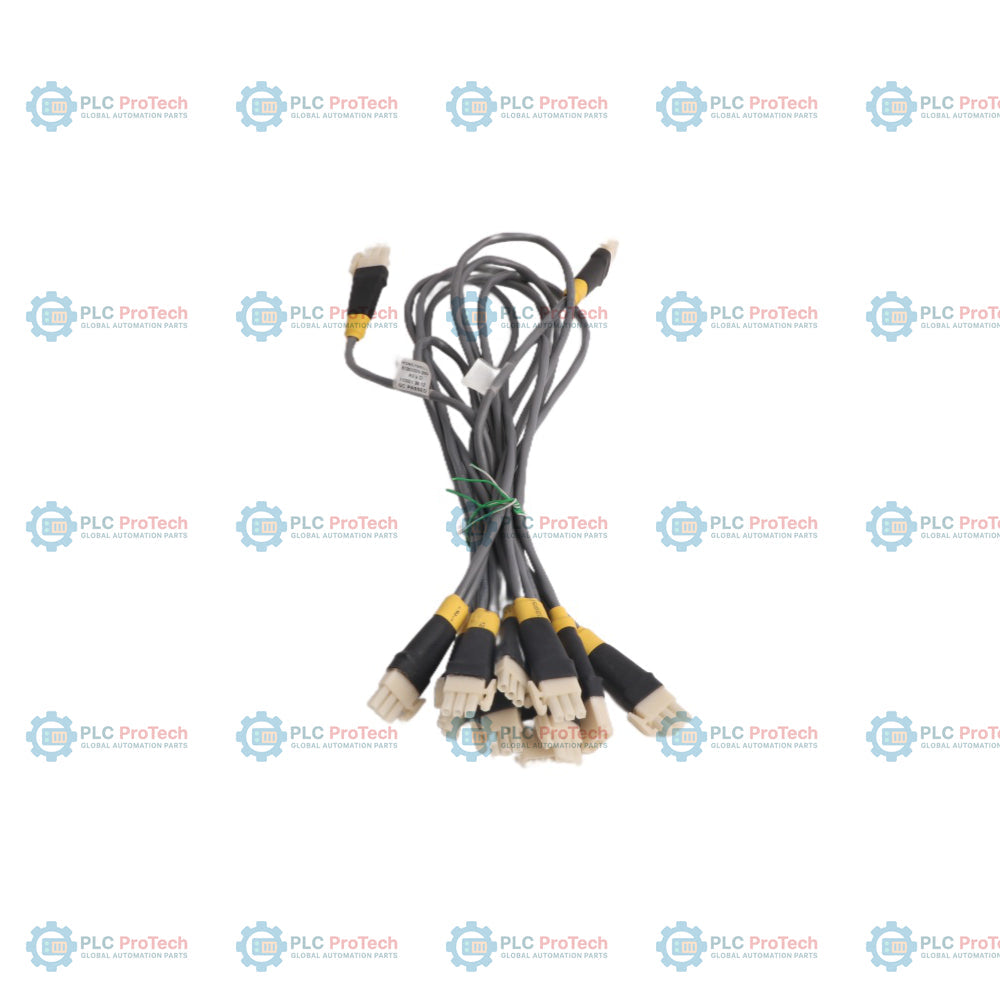
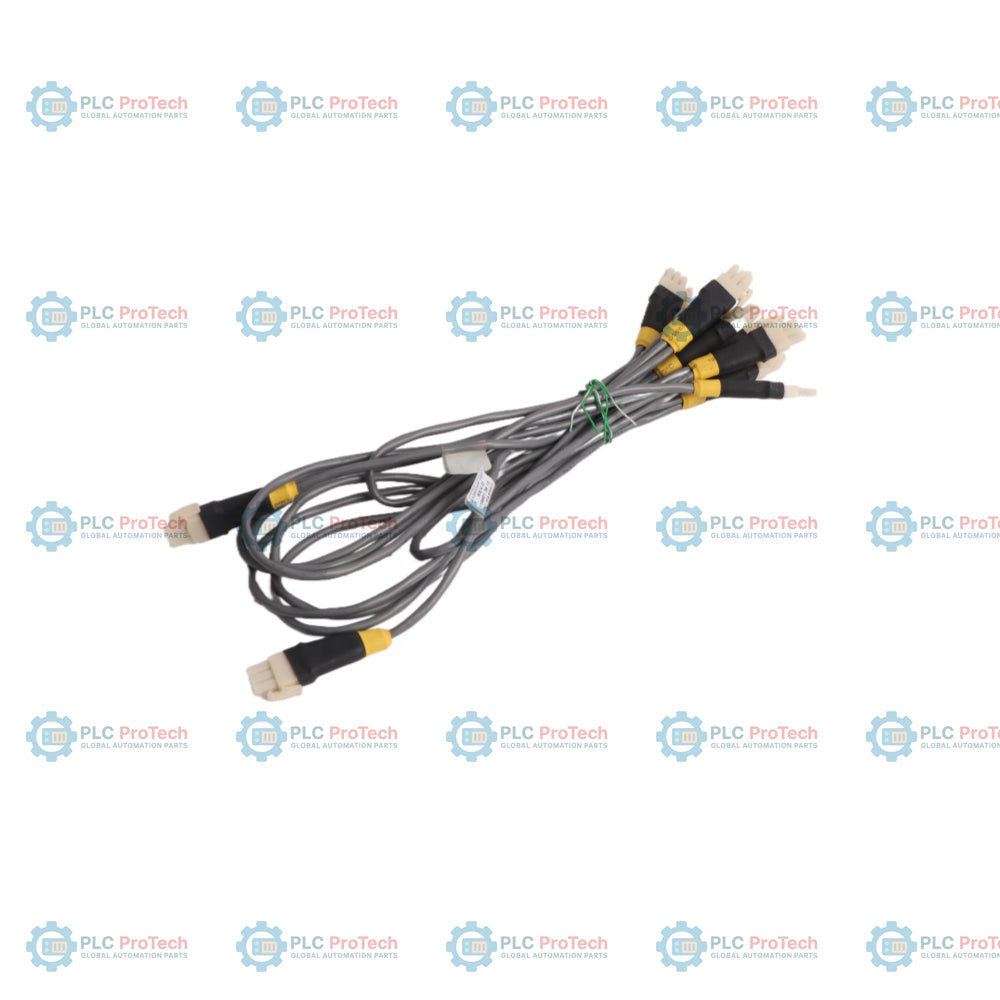
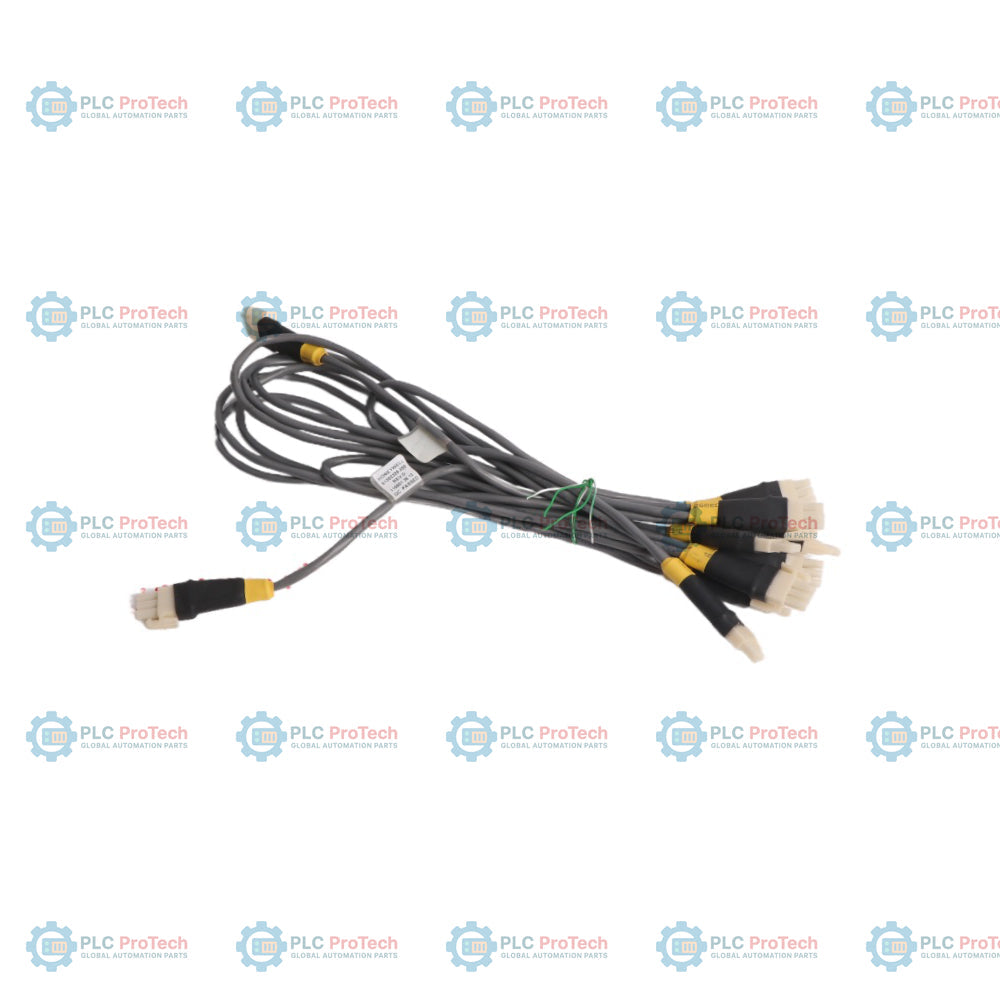
Honeywell 51202971-102 Combo I/O LINK Cable

SKU 51202971-102

In stock
  • 12-month warranty
  • Free returns within 30 days
  • Manufacturer: Honeywell

  • Product No.: 51202971-102

  • Country of origin:United States

  • Product Type: Industrial Control Cables

  • Barcode: 8537101190

  • Payment: T/T, Western Union

  • Weight: 400g

  • Dimensions: 7cm x 14cm x 14.5cm

  • Shipping port: Xiamen

  • Warranty: 12 months

Description

The Honeywell 51202971-102 is a specialized Combo I/O Link cable designed to support robust interconnectivity within Honeywell Experion PKS industrial automation and distributed control systems. This multi-drop link cable facilitates reliable communication between control modules and field input/output hardware, streamlining network architectures in demanding industrial facilities.

Engineered for secure physical integration, this cable provides stable signal transmission and maintains network integrity across complex process control networks. Its ruggedized construction ensures dependable performance in continuous industrial operating environments where consistent uptime and minimal signal attenuation are critical.

Features

  • Designed specifically for Honeywell Experion PKS control and I/O architectures
  • Supports multi-drop link connectivity for efficient system expansion
  • Constructed with industrial-grade materials to withstand harsh operating conditions
  • Ensures low-loss signal transmission and reliable network communication

Applications

  • Experion PKS distributed control system deployments
  • Industrial process automation and control networks
  • Factory automation and supervisory control architectures
  • Plant-floor I/O network expansion and device linking

Technical Specifications

Parameter Specification
Manufacturer Honeywell
Exact Model 51202971-102
Product Type Combo I/O LINK Cable
Product Family Experion PKS
Country of Origin United States
Net Weight 0.4 kg

Installation Guidelines

  1. Verify the exact model number (51202971-102) against system design documentation prior to physical installation.
  2. Ensure all connected control modules and power sources are fully de-energized before handling cables.
  3. Inspect the cable and connectors for any signs of transit damage or terminal contamination.
  4. Route the cable safely, avoiding sharp bends, excessive tension, and high-voltage interference sources.
  5. Secure all mating connectors firmly according to standard industrial networking practices.
  6. Power up the system and verify communication status through the Experion PKS engineering workstation.

FAQ

What system architectures are compatible with the Honeywell 51202971-102 Combo I/O LINK Cable?

The Honeywell 51202971-102 Combo I/O LINK Cable is specifically engineered to support robust interconnectivity within Honeywell Experion PKS industrial automation and distributed control systems. It facilitates reliable multi-drop communication between control modules and field input/output hardware. This ensures seamless integration and network integrity across complex process control environments.

What are the primary operational benefits of using this Honeywell cable in industrial networks?

The Honeywell 51202971-102 cable provides stable signal transmission and maintains low-loss network performance in demanding industrial facilities. Its industrial-grade construction is built to withstand harsh operating conditions while ensuring minimal signal attenuation. This high reliability contributes to consistent system uptime and efficient plant-floor I/O network expansion.

What important safety steps should be taken prior to installing the Honeywell 51202971-102?

Before installing the Honeywell 51202971-102, technicians must verify the exact model number against system design documentation to ensure proper compatibility. All connected control modules and power sources must be fully de-energized to prevent electrical hazards during handling. Additionally, the cable and connectors should be thoroughly inspected for transit damage or terminal contamination prior to routing.

How should the Honeywell 51202971-102 be routed during physical installation?

During the physical deployment of the Honeywell 51202971-102, the cable must be routed safely while avoiding sharp bends, excessive mechanical tension, and high-voltage interference sources. Installers need to secure all mating connectors firmly in accordance with standard industrial networking practices. Once connections are secured, power can be restored to verify communication status through the engineering workstation.

View all FAQs →

Quantity
Shipping & Returns

Global Express Shipping

  • Standard Delivery: 4–6 business days via DHL, FedEx, and UPS.
  • Express Dispatch: Same-day dispatch for in-stock orders placed before 2:00 PM (GMT+8).
  • Worldwide Coverage: Serving over 150 countries.

Returns & Warranty

  • 30-Day Guarantee: Returns accepted for in-stock products in original, factory-sealed packaging.
  • 12-Month Warranty: Every industrial component is backed by our technical warranty.
Reviews
1 of 3
Only 4 item(s) left in stock
Quantity
View full details

Global Express Shipping

  • Standard Delivery: 4-6 Business Days via DHL, FedEx, and UPS.
  • Express Dispatch: Same-day dispatch for in-stock orders placed before 2:00 PM (GMT+8).
  • Worldwide Coverage: Serving over 150 countries, including rapid delivery to Saudi Arabia and UAE.

Returns & Warranty

  • 30-Day Guarantee: Returns accepted for in-stock products in original, factory-sealed packaging.
  • 12-Month Warranty: Every industrial component is backed by our professional technical warranty.

Orders are processed and delivered Monday-Friday (excluding public holidays).


For full eligibility, restocking fees, and international return details, please view our official Refund & Return Policy .

TECHNICAL SPECIFICATIONS

Country of origin
United States

Technical knowledge

Replacing ABB DSQC 351: Controller and Network Checks

Checks to record before replacing ABB 3HNE 00006-1 DSQC 351: controller generation, X3/X5/X20/X21 wiring, DeviceNet settings, INTERBUS mapping, and LED states.

IC693CPU360 vs IC693CPU364: Ethernet and Power Budget

Compare the IC693CPU360 and IC693CPU364 by Ethernet interface, +5 VDC load, memory, rack limits, and replacement checks.

1756-OF4 Output Wrong? Check Mode, RTB, and Scaling First

A field-first diagnostic sequence for 1756-OF4 analog output problems: channel mode, removable terminal block, scaling, and controlled electrical checks.

1746-OA8 vs 1746-OA16: Output Count and Current Limits

A direct comparison of 1746-OA8 and 1746-OA16 output count, common grouping, backplane current and temperature-derated load limits.

Replacing a 1761-NET-DNI: Capture These Settings First

A field checklist for recording the 1761-NET-DNI hardware series, firmware, EDS file, DF1 settings, DeviceNet address and messaging configuration before replacement.

EL3062 vs EL3062-0030: The Input Range Changes

The EL3062 is a 0–10 V EtherCAT terminal. The EL3062-0030 is a 0–30 V variant. This checklist covers identification, scaling and commissioning.